
Use your poster as it is.
Add the image you prepared to its day. If the time and place are already on the poster, you do not need to enter them again.
FOR HOTELS & RESORTS
Screen management that fits your entertainment team’s daily work. Place ready-made posters on the days they belong to and update what is on air when the programme changes.
Your own posters. Your own programme.
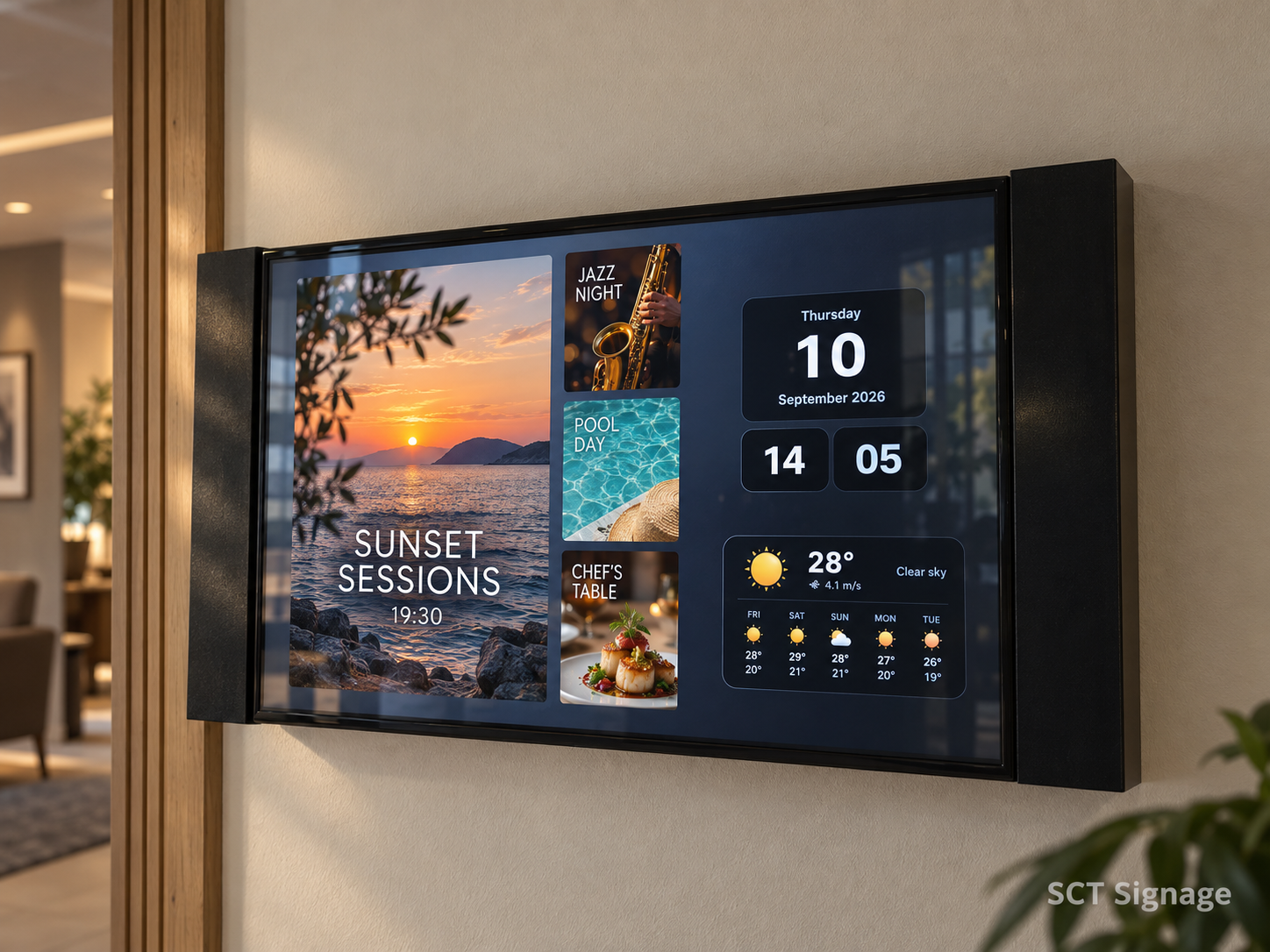
Every day at the hotel,
the same way of communicating.
FROM PROGRAMME TO SCREEN
Load the week, play it without internet.
Once the weekly calendar and posters are downloaded to the device, the whole week plays without an internet connection. Posters change automatically every day according to the calendar.
Click an empty day and choose a poster.
Prepare screens that match your hotel’s visual identity.
Plan what plays around the flow of the day.
BUILT AROUND YOUR DAILY WORK
Work with the posters your team already uses.
Preparing, planning and updating
come together in one place.
Add the image you prepared to its day. If the time and place are already on the poster, you do not need to enter them again.
Remove a cancelled poster from the calendar. Change editable event text in your design and save it.
Play the shared programme or use posters specific to one screen. Manage all of it from the same panel.
VIDEO PLAYBACK
Upload your hotel’s promotional film or an event video. Decide which screens show it and at what times.
Your team does not have to swap videos by hand during the day.
Put your videos in the order you want and create a playlist. You can add posters and photos to the same list.
| Time | Video to show |
|---|---|
| 07.00 – 10.00Morning | Welcome video A hello to your guests as the day begins. |
| 10.00 – 18.00Daytime | Hotel promotional film Present your rooms, pool and shared areas. |
| 18.00 – 23.00Evening | Video of the evening event Invite your guests before the show or live music. |
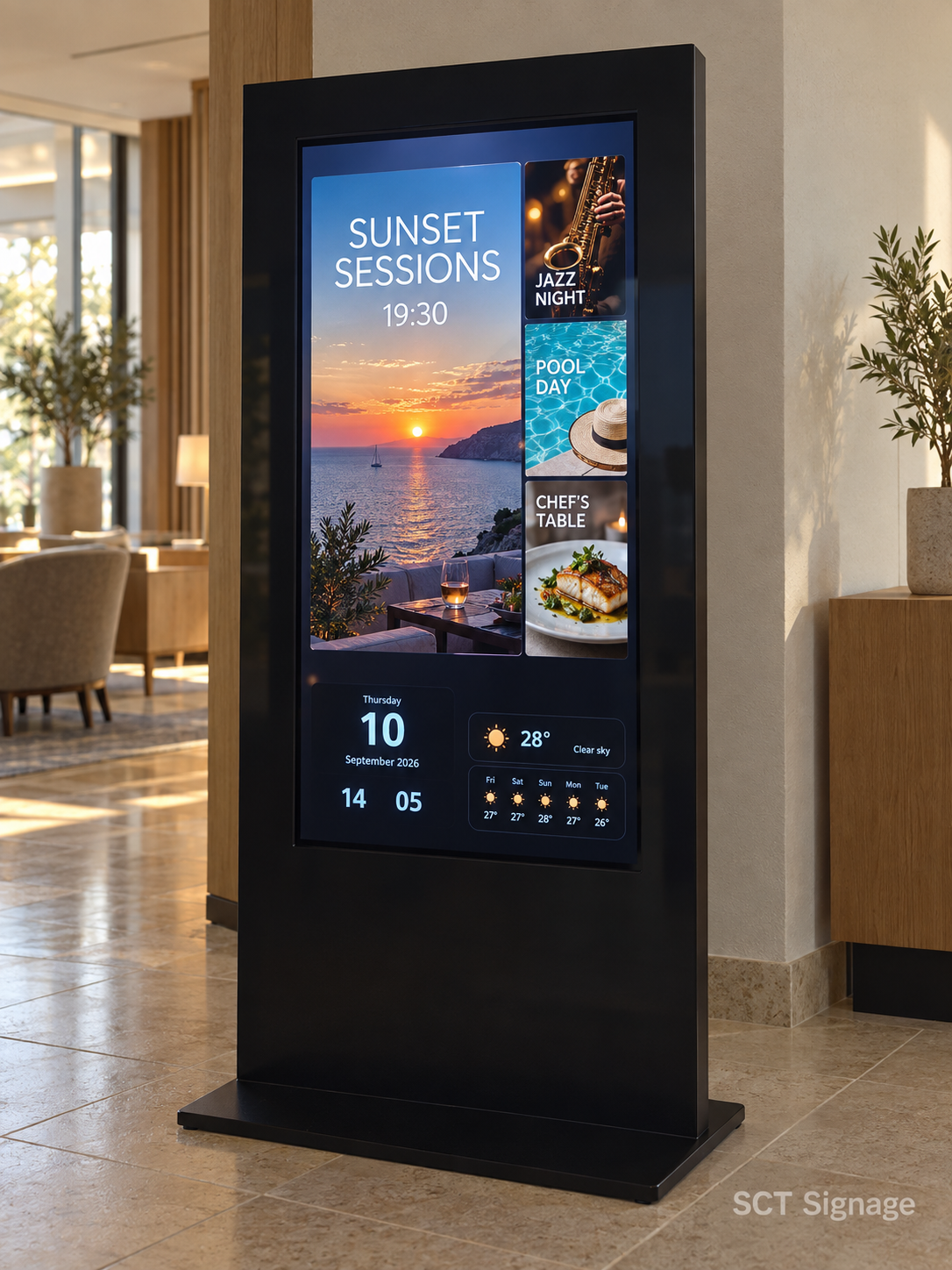
YOUR HOTEL’S COMMUNICATION POINTS
Welcome messages, daily activities, restaurant announcements and the resort map. The right content at each point; managed from the same panel.
FROM SETUP TO DAILY USE
Let’s look together at whether
your existing devices are suitable.
Install the SCT Signage player on your compatible device and grant the required permissions.
Enter the code shown on the screen into the panel. Choose the screen’s content source and design.
Add posters to their days. As the programme changes, update the content from the same panel.
QUESTIONS YOU MAY HAVE
Yes. You can order your videos and images in the same playlist and set how long each image is shown. Assign the list to a screen or a screen group and schedule it with a date and time range.
Yes. You can add your ready-made images to the relevant day in the calendar. If the time and place are part of the poster, you do not need to enter them again.
Yes. Once the weekly calendar and posters have finished downloading to the device, it can play the programme for the whole week without an internet connection. Posters change automatically by day. New posters, cancellations and other updates need an internet connection to reach the device.
You can remove the poster from the calendar. An update notice is sent to the connected screens. Screens without an internet connection receive the change when they reconnect.
Yes. For screens that use the same source design, you can change the event text in the design and save it. The change spreads to the screens linked to that design.
No. You can use the shared poster programme or add posters specific to one screen. You can choose separate designs for landscape and portrait screens.
When the required startup and run permissions are set on a supported device, the player can start automatically and continue where it left off without manual intervention.
LET’S START WITH NEXT WEEK’S PROGRAMME
Let’s talk about the posters you use and how your screens are arranged.
We will show how SCT Signage fits your team’s work.